
Talk to us in your preferred language
If you call or meet with someone at a State MND Association, we can provide a free interpreter. Call the MND Info Line on 1800 777 175 to find out more.

We are making information about motor neurone disease (MND) and support services easy to find, easy to use, and open to everyone. This is known as accessibility.
If you call or meet with someone at a State MND Association, we can provide a free interpreter. Call the MND Info Line on 1800 777 175 to find out more.
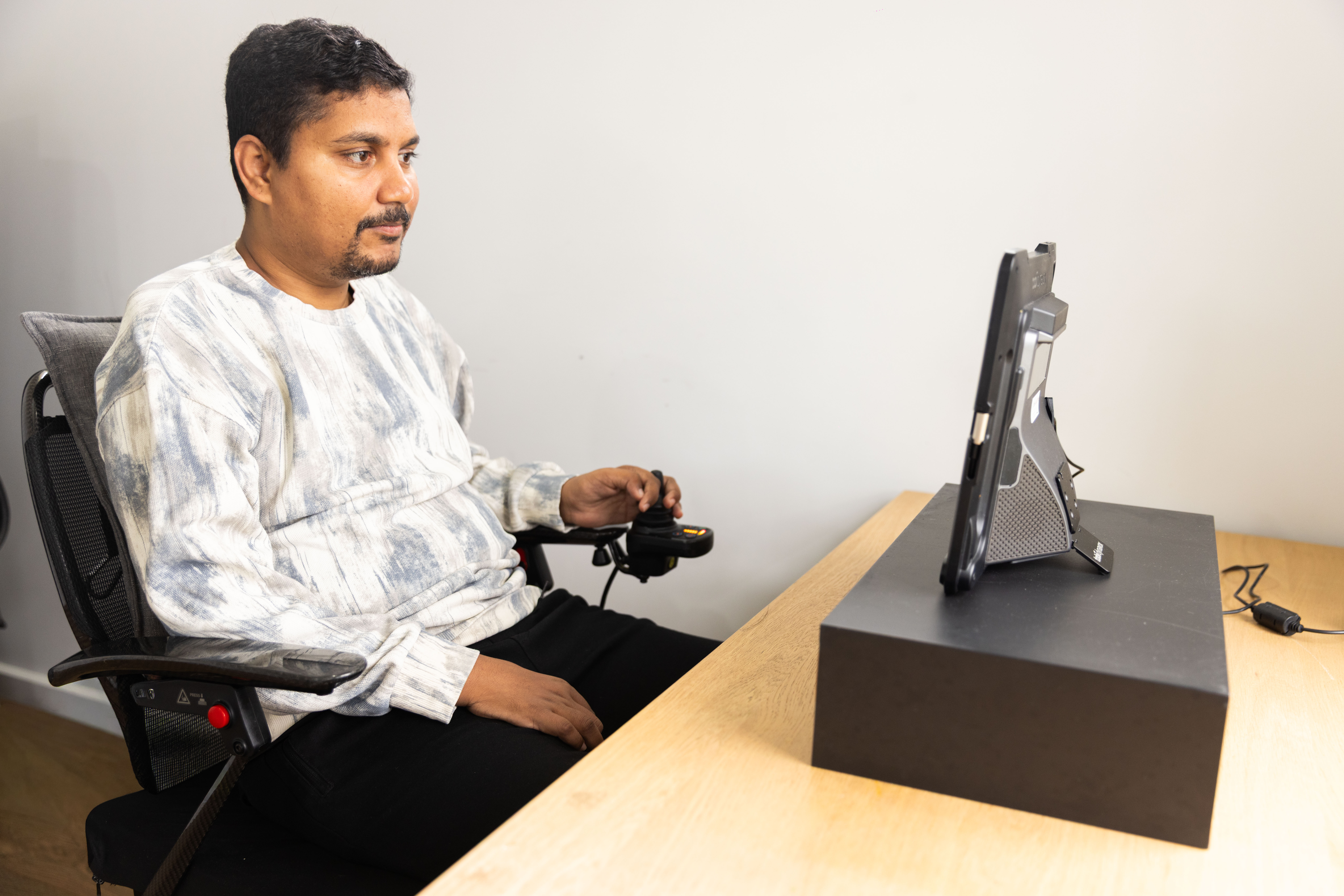
The language and accessibility tool, Recite Me, helps you read, hear, and follow the information in a way that works for you. It also gives information in different languages.
Some language translations may not be correct. Please talk to your doctor or another healthcare professional before making decisions about your care.
Desktop users: click the language and accessibility icon in the top right of the screen."

This toolbar will open:

Mobile users: click the language and accessibility icon. You can also open the tool from the menu icon in the top right-hand corner, then click the language and accessibility icon:
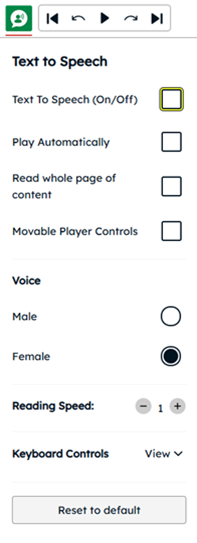
The toolbar lets you use:

 Note: The term MND (motor neurone disease) is set in this tool. In some languages, this may cause small translation issues. Thank you for your understanding.



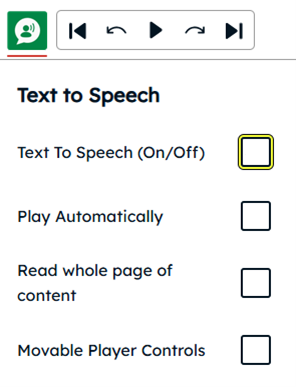
Click on the “Language and accessibility” button. This will launch the toolbar, which will appear at the top of the page.

Click this button.

Untick the boxes marked ‘Text to Speech (On/Off)’ and ‘Play Automatically’.
You will see a list of languages. In the search bar, type the language you want or find it in the list, and click on it. The information will then be changed to that language.
Click on the icon marked “X” to the right of the toolbar.
If you have problems getting the information you need, please contact us and we will do our best to give that information to you in another way or format.
Tell us how we can improve through our feedback form or email us: [email protected]
If you are not happy with how we have responded, you can make a formal complaint to the Australian Human Rights Commission (AHRC)